













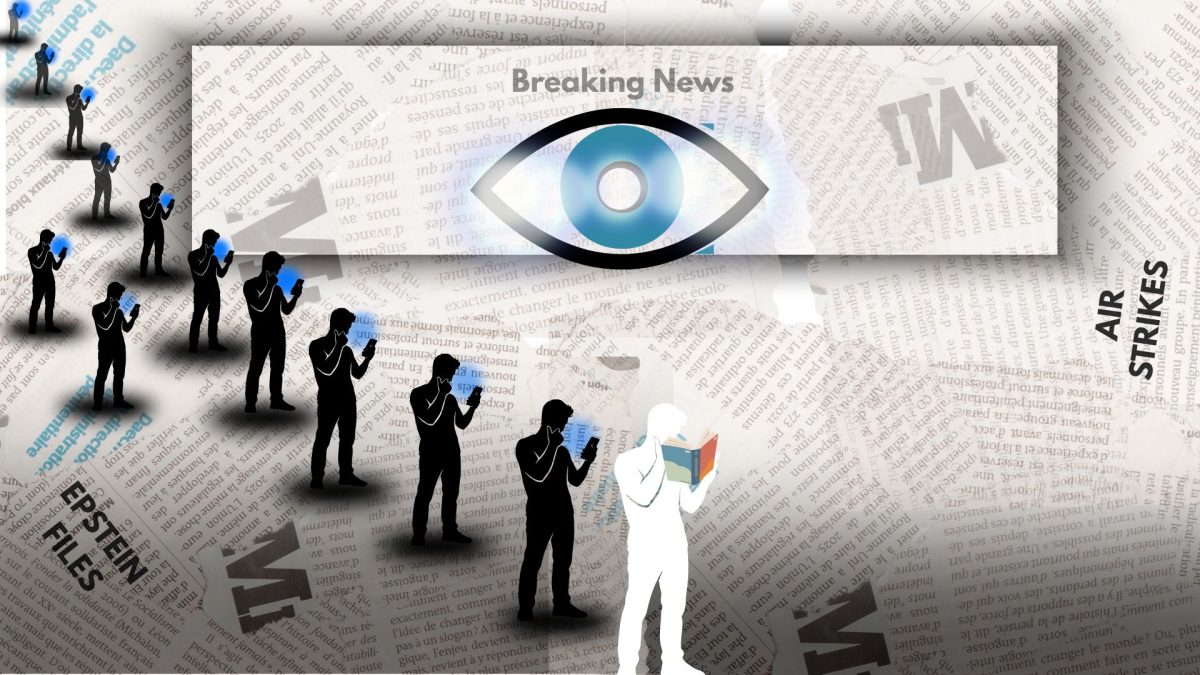






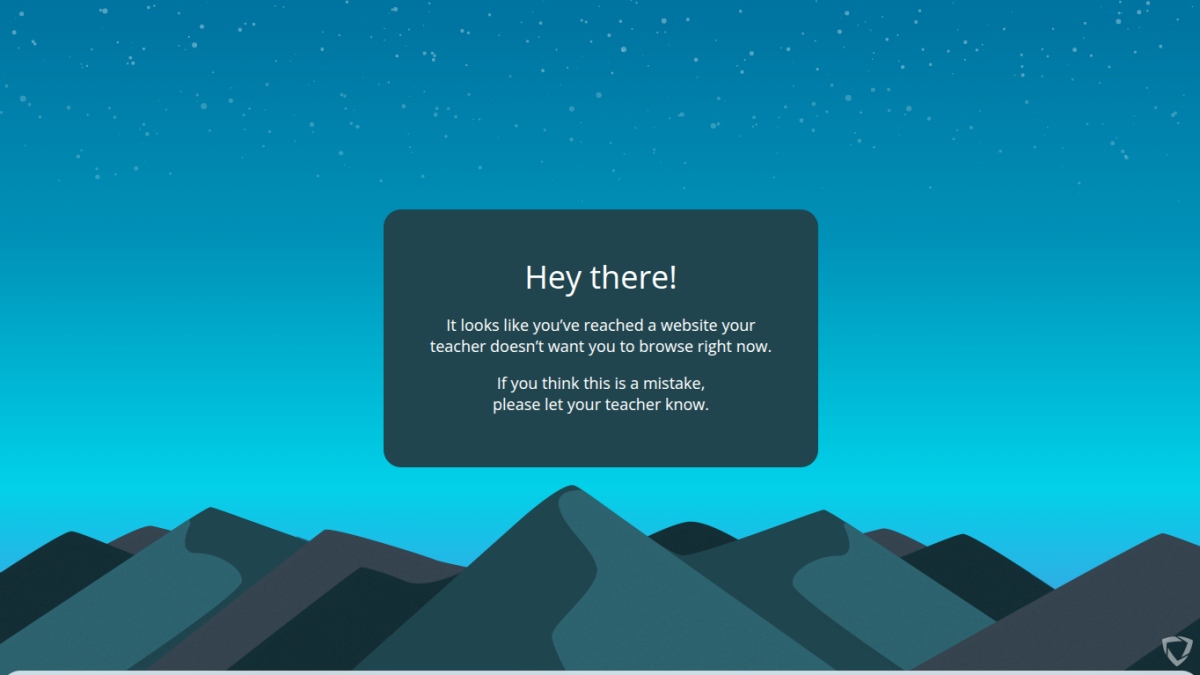
During the last few weeks of the first semester, students discovered they could no longer access favorite music and game sites on classroom computers.
The reason? The implementation of GoGuardian, a classroom management and web-filtering software that monitors student activity on school-issued devices.
The launch caught many students by surprise and had some questioning the software’s purpose. Was it meant to help students stay safe and focused or to constantly monitor their activities?
Savannah Rosado, a sophomore, finds GoGuardian “very limiting.” She says it makes schoolwork harder because students can’t listen to music while working. She said the tool doesn’t necessarily stop distractions but instead removes something that helps students focus.
“Generally for me, it’s just not hearing the music that’s annoying,” she said.
Starr Giscombe, an assistant principal, says GoGuardian has been used at BRHS before and was brought back as a collective decision among staff. “It has existed for a while,’’ she said. “This isn’t the first time we’ve used GoGuardian.’’
The software allows teachers to see exactly how students are using their devices during class time. “We have students spending 20 or 30 minutes on SoundCloud and not actually doing their work,” she said. “I know for a fact they’re not doing their work because I can see your tabs. SoundCloud is open for 20 minutes, and they’re just staring at it.”
Many teachers support the use of the software, which can be updated to block different sites as needed. “The teachers love this,’’ Ms. Giscombe said. “They’re like, ‘Thank God. It should have been blocked since September.’ ’’
While students have complained, she noted that some eventually admitted it helps them focus. “One student said, ‘Now that I’m focused, can you put SoundCloud back?’ And I said, ‘Absolutely not, because now you’re actually doing your work.’ ”
English teacher Daniel Butler says the software has been helpful in managing student focus, especially during independent work time. However, he acknowledged that many students feel frustrated by the restrictions, especially when it comes to music. Mr. Butler added that students often say they work better while listening to music, but platforms like Spotify and YouTube are blocked.
As it continues to be used, members of the school community are debating whether it improves classroom focus or creates new frustrations, particularly when sites used for music and other non-instructional content are blocked.
Brian Michaca, a junior said, “It’s kinda bad because I want to listen to music and focus on my work.”
Angelis Hernandez Ciprian, a freshman, described the tool as both helpful and annoying. She explained that while GoGuardian helps ensure students complete assigned work, it can feel overly restrictive during free time. “If you’re done with your work and your teacher is letting you be on the computer, you can’t even watch YouTube,” she said.
Still Ciprian noticed its benefits, adding that students might not stay focused without it. “Teachers will assign work and some may not do it, so this helps them focus,” she said.
Tyrone Stewart, a senior, believes GoGuardian is unnecessary. “It doesn’t stop us from using the websites that are blocked. We still find a way around it,” he said. “It just makes it harder.”
He added that many teachers are flexible about site usage. “Most teachers don’t care that we use the websites, as long as we ask,” he said. He also mentioned that GoGuardian affects students outside of class time. “At lunch, when students want to use the computer, they can’t really do anything on it, so it’s boring.”
Overall, GoGuardian appears to be effective in keeping some students on task, but it also raises concerns about flexibility and student independence. While teachers appreciate the added structure, many students feel restricted, especially when tools they believe help them focus, like music, are blocked.
As GoGuardian continues to be used at BRHS, students and teachers alike are still adjusting to its presence in the classroom. Whether it is viewed as a helpful safety measure or an unnecessary limitation may depend on how it is used and who is using it.



Cameron Galloway • Feb 25, 2026 at 9:20 am
I won’t lie; GoGuardian has a benefit and a downside when it comes to it’s uses. The benefit is that it blocks students from accessing adult websites considering there are actually students that go on adult websites whether on their own account or incognito mode. The downside is that since you can’t access YouTube, to watch videos or listen to music, or access Spotify and SoundCloud to just listen to music during lunch time, that just makes the computer meaningless. If I were a teacher now, I would allow students to listen to music or watch videos during lunch time. But if of course, they try to watch an adult video, then that’s the time I call for GoGuardian. Music videos with explicit lyrics don’t count, just as long as they have headphones on.